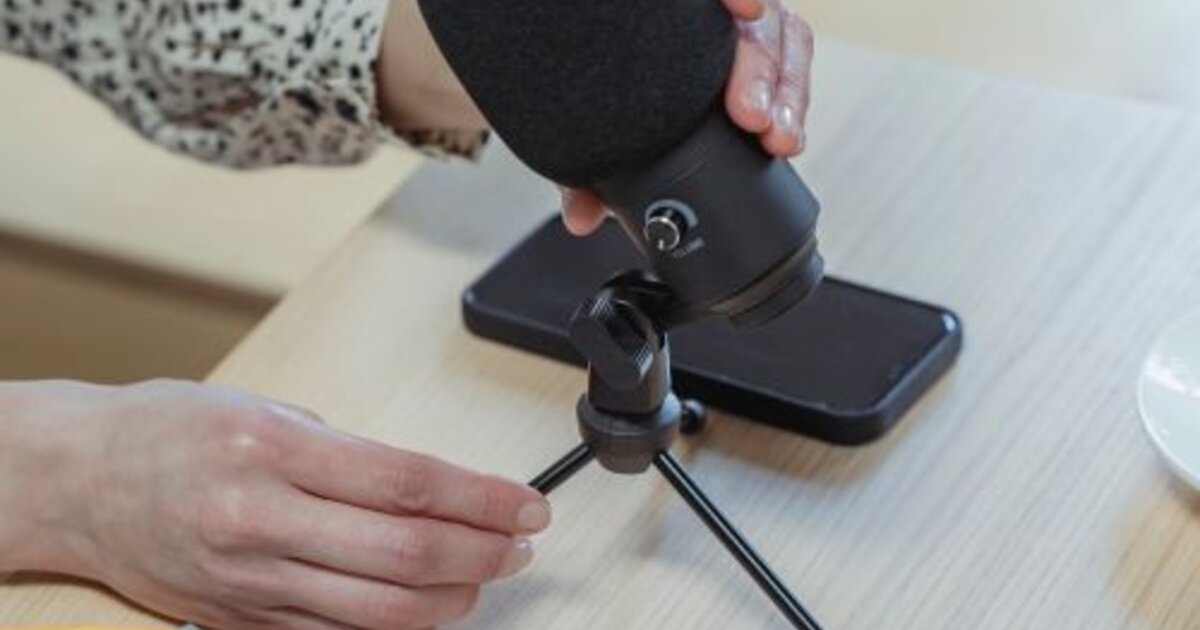
A good short video on Yappy can be shot on an ordinary smartphone — expensive gear isn't needed; the idea, editing, and first seconds matter more. The platform's built-in editor gives everything you need: segmented recording, effects, music, and duets. Let's break down step by step how to shoot videos on Yappy in 2026 so clips retain viewers and reach recommendations.
Preparing to shoot
Before recording, think through a short script even for a 15-second clip: what happens in the first seconds, what the point is, how it ends. The technical minimum is simple:
- Light — shoot by a window in daytime or use a ring light; the algorithm and viewers dislike dark video.
- Stabilization — hold the phone steady or use a tripod.
- Sound — record in a quiet place; background noise repels.
- Vertical format — only vertical, full-screen.
Even basic preparation noticeably raises quality and completion rate.
Recording video in the app
You can film right in Yappy or upload a ready clip from the gallery. In the built-in camera:
- Press the record button — you can film in one take or in segments, stopping and resuming recording.
- Use the timer to film yourself without a helper.
- Adjust the recording speed for a fast- or slow-motion effect.
Segmented shooting is handy for cuts and dynamic clips that hold attention better.
Music, effects, and text
Sound in short videos is half the success. Pick music from the platform's library, prioritizing trending tracks: the algorithm groups videos by sound and shows them to an interested audience. Add effects and transitions, but without overload — they should reinforce the idea, not distract. Always overlay text and subtitles: a significant share of viewers watch without sound, and captions hold them to the end.
Duets and collaborative formats
Duets and reactions are a strong growth tool: you film your clip next to someone's popular video and tap into its audience. It's a ready-made way to get reach through trending content and make yourself known. Collaborative formats also work well in challenges — when many authors film to one sound or one script.
How to amplify the effect of good clips
Even a well-shot video on a new account ramps up slowly: the algorithm needs early reactions to understand whom to show it to. Early activity metrics help speed up the start — views and likes on fresh clips. Some authors reinforce the starting window with them via an SMM panel so the video passes the test phase and reaches a wider feed. But shooting technique and editing remain the main thing: a boost only helps a good clip find its audience faster, while the content itself retains it.