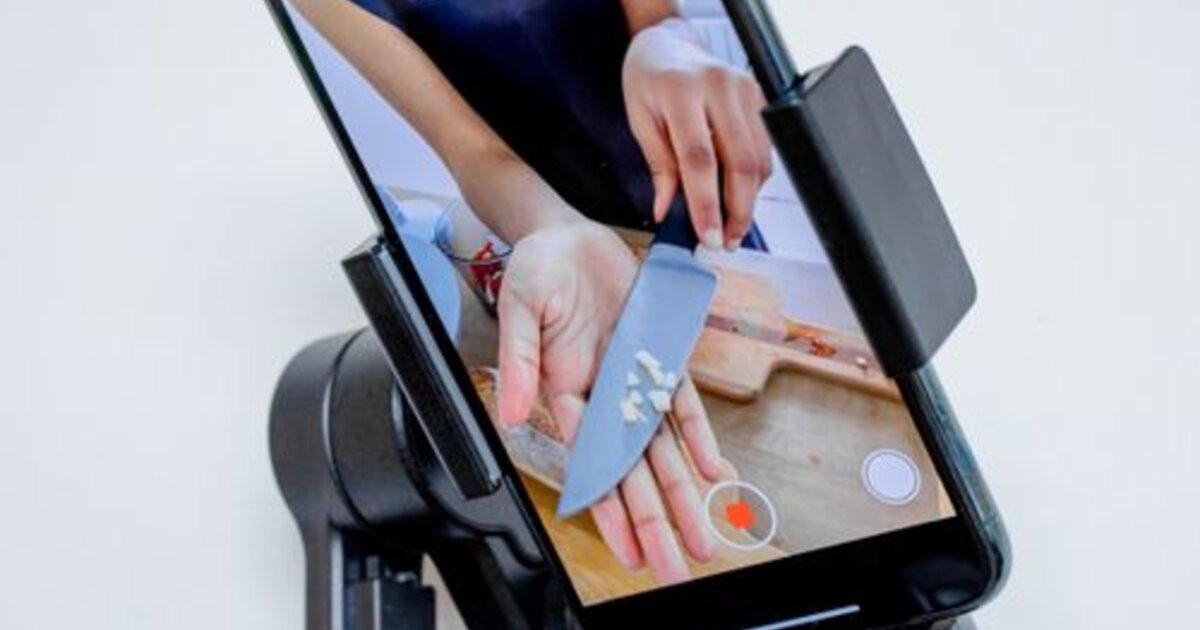
What Are VKontakte Clips and How Do They Work
VKontakte Clips is a format of short vertical videos ranging from 15 seconds to 3 minutes. In 2026, the Clips section has become one of the most-watched areas in the app: VK actively integrates them into the main screen, the "Recommendations" section, and push notifications. This means massive organic reach for creators — even an account with zero followers can get hundreds of thousands of views on their very first video if it gets picked up by the algorithm.
The key difference between Clips and regular VKontakte videos is a separate feed browsed by swiping, just like TikTok. The algorithm selects videos not only based on subscriptions but also on user interests, making virality here significantly higher than wall posts. For promoting a brand or personal account in the Russian-speaking internet, VK Clips in 2026 are one of the most underrated tools with genuinely high organic reach.
The VKontakte Clips Algorithm: How to Get into Recommendations
The VKontakte algorithm evaluates several key signals when promoting a Clip. The main one is watch-through rate: the percentage of viewers who watch the video to the end. If a video retains the audience at 70% or more, the algorithm actively starts promoting it to a wide audience in recommendations. The second important signal is the speed of collecting reactions (likes, comments, shares) in the first hours after publishing.
Other ranking factors: adding the Clip to bookmarks (a signal of high content value), sharing the video in direct messages (virality), subscribing to the author after viewing (audience quality), and the number of repeat views. The VKontakte algorithm is less competitive than TikTok or YouTube Shorts — it is easier for newcomers to get into recommendations here, especially in niche topics (cooking, DIY, education, humor).
How to Shoot a Clip That Gets Views
The first 2–3 seconds of a Clip determine everything: if the viewer isn't hooked, they swipe away, and the algorithm registers a low watch-through rate. The most effective hooks: an unexpected claim the viewer wants to verify or refute; a question the viewer wants answered; dynamic action from the very first frame with no intros.
- Vertical 9:16 format — mandatory; horizontal video takes up less screen space and retains attention worse
- Duration 15–60 seconds — optimal for a high watch-through rate; long clips only work with very high-quality delivery
- Subtitles — up to 60% of users watch without sound; subtitles increase watch-through by 20–30%
- Clean audio — poor audio kills retention more than poor visuals; even a budget lapel microphone gives a multiple improvement in quality
- Editing to music rhythm — cuts synchronized to the beat hold attention better than long static shots
Hashtags, Descriptions, and Music in VK Clips
Hashtags in VKontakte Clips help the algorithm classify content and show it to the target audience. The optimal number is 3–5 thematic tags without overly broad ones (#video, #clips — useless). Examples of proper use: #cooking, #recipes, #homecooking instead of just #food. The description should not be empty: 1–2 sentences with the topic's keywords improve discoverability in the VKontakte search.
Music in VK Clips is a separate lever for virality. Tracks from the "Trending" section get an additional boost: VKontakte promotes Clips with popular music similarly to how TikTok promotes trending sounds. Recommendation: when publishing, choose a track from the top 50 trending in your category — this freely increases reach without any extra effort.
How to Quickly Gain Views and Likes on VKontakte Clips
Organic growth in VK Clips requires consistency: at least 3–5 videos per week for the first 4–6 weeks, until the algorithm "learns" your audience. Several tactics can accelerate the process: cross-posting from TikTok or Instagram Reels (without watermark — otherwise the algorithm downgrades the video), mutual promotion with creators in adjacent niches, and announcing a new Clip in VKontakte Stories and on the wall within the first minutes of publishing to quickly generate initial reactions.
For a fast start, many creators use view boosting for VKontakte Clips — this improves initial metrics and boosts position in the recommendations feed. The VK algorithm relies on absolute view counts for initial ranking: a video with a high view count gets priority and is shown to a broader audience. Boosting likes and reactions on Clips additionally signals content quality to the algorithm.
Boosting VKontakte Clips Views Through an SMM Panel
You can order views, likes, and shares for VKontakte Clips through Heroverin SMM. This gives a new video a "launch impulse" — especially important in the first 24 hours after publishing, when the algorithm decides whether to show the video to a wide audience. Boosting VKontakte followers additionally increases the base channel audience and accelerates the growth of every subsequent video.
It is important to combine boosting with quality content: the algorithm tracks real audience retention, and a video with inflated views but a low watch-through rate won't reach wide recommendations. The optimal approach — shoot a video with a strong hook, boost views and reactions for an initial push, and wait for the algorithm to pick it up. Heroverin SMM offers boosting services for all VKontakte metrics: Clip views, likes, shares, and followers.