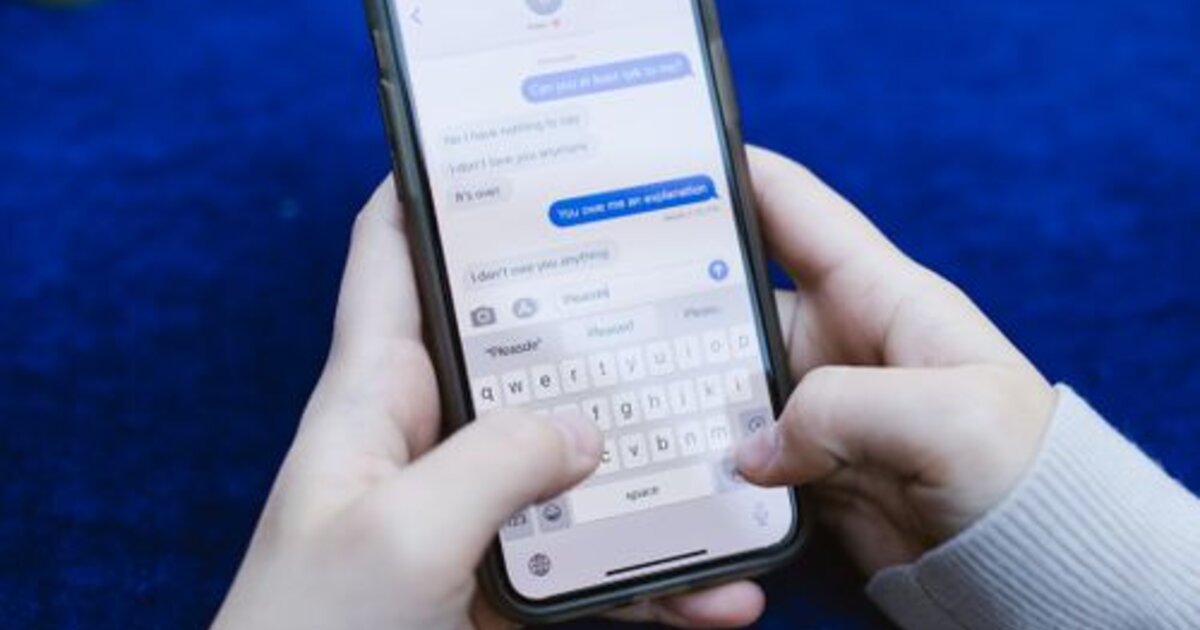
How to delete your own comment
Your own comments can be deleted anywhere in the app — under your videos and under other people's. Press and hold the comment until a menu appears and choose delete. On some versions a left swipe on the comment works instead of the long press.
Likee has no editing: you cannot fix a typo, you delete the comment and write it again. Deletion is irreversible and the video author gets no notification. The likes and replies the comment collected disappear with it — sometimes that is a reason to leave it alone.
How to delete someone else's comment under your video
The author of a post controls the whole thread under it: any comment can be removed, even one that breaks no rules. The mechanics are the same — long press and delete — only the menu has extra options.
- Delete. The comment disappears for everyone and its author is not notified.
- Report. Needed when the issue is insults or spam: the report goes to moderation and the offender can get restricted.
- Block the user. The radical option: they lose access to your profile entirely. Details in how to block someone on Likee.
Under someone else's video you cannot delete another person's comment — only reporting is available. This is a common misunderstanding: the delete button is missing not because of a glitch but because the thread belongs to the video's author.
How to disable or limit comments
Comments are configured at two levels. For the whole profile — in the privacy section: you can allow only followers to write, or only people you follow yourself. For a single clip — in the video menu: comments are closed completely without touching your other posts.
There is a middle option too — a word filter: you set a list and comments containing those words are hidden automatically. That beats a full shutdown, because comments remain an engagement signal and Likee watches it. A fully closed thread removes the nuisance but also part of your reach. If the goal is to show nothing at all, look wider: a private account on Likee.
What a comment ban is
It is a restriction where the account carries on as usual, but comments either do not go through or are visible only to you. There is often no separate notification, so it looks like an app glitch. The typical causes:
- Reports from other users about your comments.
- Profanity, insults, threats — the most common one.
- Links, phone numbers, service advertising.
- Identical comments posted in bulk — treated as spam even when the text is harmless.
Mass-posting the same comment under a hundred videos is the fastest way to get restricted. The system spots repeated text immediately.
Durations vary: from a few hours for a first offence to a permanent restriction on repeats. The platform's general rules and what else gets punished are covered in what gets you banned on Likee.
How to lift a comment ban
A short restriction expires on its own — you simply stop writing and wait. Signing in from other devices and new accounts is pointless: circumvention is tracked and extends the term. If the restriction drags on or you are sure there was no violation, file an appeal with support including your account ID, the date and a screenshot. How to word it is in how to contact Likee support.
Prevention is simple: do not mass-post template comments, do not leave links, do not make arguments personal. Commenting as a promotion tactic does work, but only the thoughtful kind — one genuine on-topic comment rather than a hundred copies of the same text.
Comments as a growth tool
Comments are not just conversation but one of the signals Likee uses to decide whether to show a clip wider. An active thread keeps viewers around longer and raises the chance of landing in recommendations, so replying pays off even when you have little to add. The distribution mechanism is covered in how to get into Likee recommendations.
The first comments almost always have to be pulled out by hand: ask a question in the clip, reply to everyone, comment on other videos in your niche. If you want a video to have activity from the start instead of dead silence, we offer Likee views and likes — by a link to the clip, with no account password.