Why sound matters more than the picture
There's a rule confirmed by everyone who shoots video: the viewer will forgive an average picture but won't forgive bad sound. A hissing microphone, echo, background hum or unclear speech make people close the video faster than imperfect lighting. The brain perceives bad sound as an irritant and "fatigue" — watch-through drops, and with it the video's promotion by the algorithm.
At the same time, good sound doesn't require an expensive studio — you need basic knowledge and an inexpensive microphone. In 2026, when video has become the main content format, working with sound and voiceover is a skill that directly affects retention. Let's break down how to make the sound in a video clean and how to use voiceover.
How to record clean sound
A clean recording starts not in editing but during shooting. Basic rules:
- A microphone, not the one built into the camera. Even an inexpensive lavalier or on-camera mic is many times better than a phone's mic, which catches everything around.
- A quiet room. Turn off the air conditioner, fridge, remove background noise — it's almost impossible to remove later in editing.
- Less echo. An empty room with bare walls sounds boomy. Soft furniture, curtains, a rug dampen the echo.
- Close to the source. The closer the mic to the mouth (within reason), the cleaner the voice relative to the background.
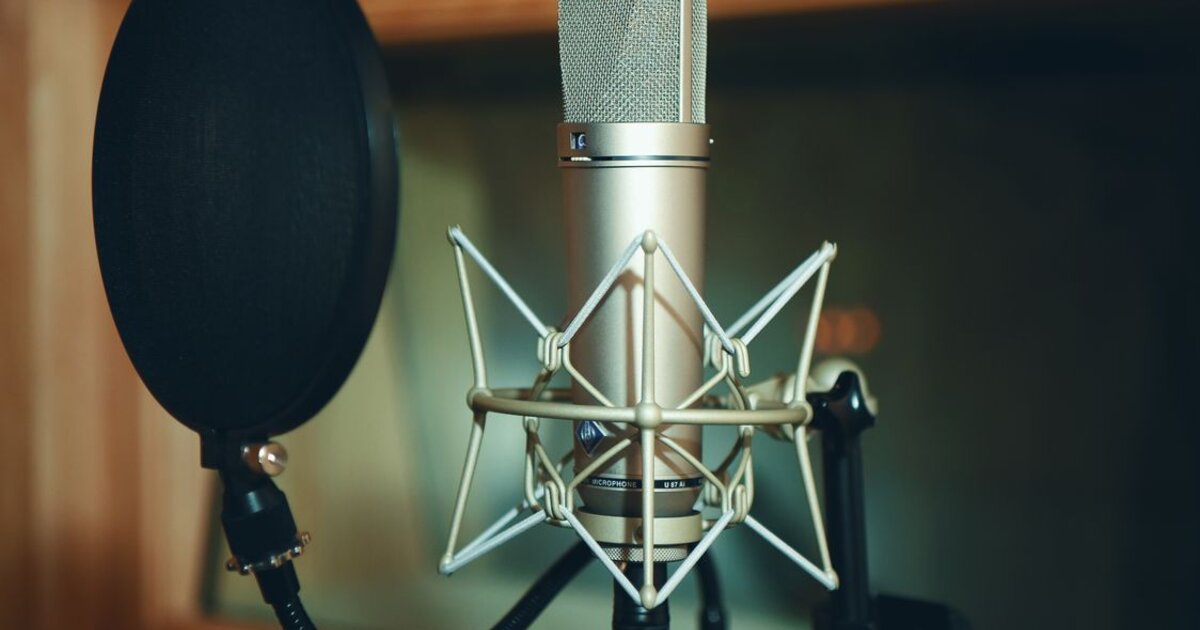
- A pop filter. A simple mesh removes the "plosive" sounds "p" and "b" that hit the mic.
Recording cleanly the first time is cheaper and easier than saving bad sound with post-processing — invest in the recording conditions.
Voiceover: when and why
Voiceover (off-screen text) is narration over the footage, when the speaking person isn't necessarily in the frame. It solves several tasks:
- Guides through the meaning. The off-screen voice explains what's happening while the screen shows the process, product, footage.
- Hides shooting imperfections. You don't need to speak perfectly to camera — the text is recorded separately and calmly.
- Keeps the pace. Text read from a script is more dynamic than stumbling live speech.
- Convenient for editing. A separate audio track is cut and rearranged independently of the picture.
The format is especially good for educational, product and "how it's made" videos. Record from a ready script — how to build it, we covered in our article on a Reels script.
Music and sound design
Besides the voice, music and sounds affect perception:
- Trending sounds. In Reels, Shorts and TikTok, using popular audio raises the chance of getting into recommendations.
- Background music quieter than the voice. Music shouldn't drown out speech — it's the background, not the soloist.
- Music rights. Use platforms' built-in libraries or free tracks so the video isn't muted for copyright.
- Sound accents. Short effects on transitions and key moments hold attention.
Sound works together with subtitles: some watch with sound, others without — and the content should work in both modes (see our article on subtitles).
Tools for working with sound
You can process sound without professional software:
- Noise reduction. Mobile editors (CapCut and analogs) and platform features remove background noise in a couple of taps.
- Volume normalization. Even out the level so the voice isn't now quiet, now loud.
- Auto-voiceover and speech synthesis. For simple videos a synthesized voice will do — but a live one sounds more trustworthy.
- Check in headphones. Always listen to the finished video in headphones — that's how you hear defects unnoticeable on speakers.
Even basic processing — noise reduction, normalization, quiet music — is enough for the sound to stop scaring off the viewer.
Common sound mistakes
For sound to work for retention, avoid the typical slips:
- A phone mic in a noisy place. Hum and echo ruin even a good video.
- Loud music over the voice. Speech drowns, the viewer leaves.
- Different volume levels. Volume jumps annoy and make people turn the sound down.
- Someone else's copyrighted music. The video may be muted or limited in views.
- Didn't check in headphones. Defects unnoticeable during shooting surface for the viewer.
Sound and voiceover are half of a video's quality, often underestimated. Clean recording, appropriate voiceover and neat sound design hold the viewer no worse than the picture, and sometimes better.