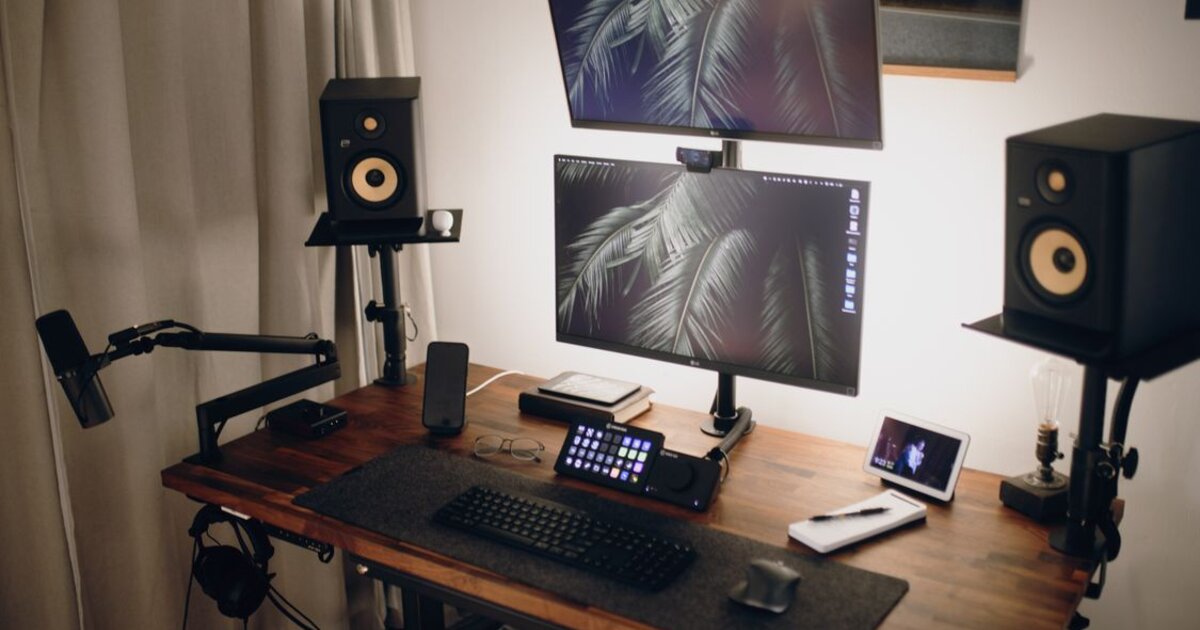
Why stream on YouTube
Live streams are one of the most underrated formats on YouTube. A stream holds a viewer for a long time, and long watch time is what the algorithm values most. Plus streams give live contact with the audience and direct income through Super Chat and donations. After it ends, the broadcast is automatically saved to the channel as a regular video and keeps gathering views.
Channel requirements
Before starting a stream you need to meet YouTube's conditions:
- verify the account by phone number;
- have no live-streaming restrictions in the last 90 days;
- for streaming from a phone — as a rule, 50+ subscribers; from a desktop and via software there's usually no subscriber threshold.
YouTube doesn't activate the first broadcast instantly — after verifying the account, access to Live may open within 24 hours.
How to start a stream: three ways
The method depends on the device and goals:
- From a computer via browser — the simplest: go to YouTube Studio, tap "Go Live" and stream right from your webcam.
- Via an encoder (OBS) — for quality streams with games, overlays and multiple scenes: YouTube gives a stream key that you paste into OBS.
- From a phone — in the YouTube app tap "+" → "Go live" (once the conditions are met).
Super Chat and stream monetization
If the channel is in the Partner Program, during a stream viewers can send paid Super Chats — highlighted messages pinned in the chat. That's direct income right during the broadcast. On top of that, regular ads on the stream recording and channel memberships work. The more active and longer the stream, the more monetization opportunities.
How to attract viewers to a stream
The main challenge of a stream is gathering people at the moment it starts. Announce the broadcast in advance: create an upcoming-stream page, share the link on other networks, add a reminder. At the start a stream needs a quick influx of viewers — that's a signal for the algorithm to promote it in recommendations. Speeding up the intake is helped by YouTube promotion: the first viewers and views give the broadcast an initial push, and then it pulls in an organic audience.
Tips for a quality stream
Check your internet in advance — dropouts kill a stream faster than anything. Take care of the sound: a bad mic scares people off more than a weak picture. Run the chat — answer viewers, ask questions, pin what's important. And be sure to set a catchy thumbnail and a title with keywords: the saved stream recording is then searched just like a regular video.