What you need before you start
Connecting requires two things from your Kick channel settings: the broadcast server address and the stream key. Both live in the streaming section of settings. The key is hidden by default, so reveal it with the show button and copy it in full.
Treat the key like a password. It grants the right to broadcast as you, and the only defence after a leak is regenerating it in the same settings. If you have ever shown the OBS settings window on air, regenerate it right away.
Connecting in OBS
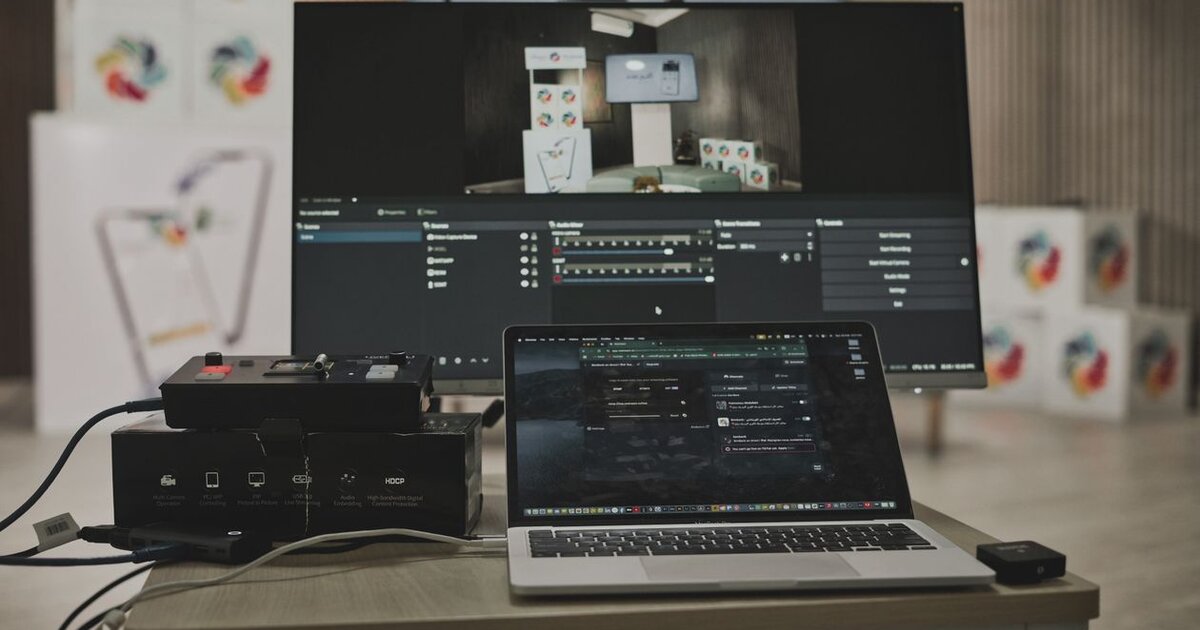
Open OBS settings and go to the stream section. Choose the custom option in the service list so the server address and key fields appear. Paste the values from Kick and apply.
You can test the connection without a real broadcast: start streaming for a few seconds and look at your channel page in a browser. If the picture appears, the link works.
Output settings
This is the main part of the setup and where beginners lose quality. Let us go through it in order.
- Encoder. The graphics card hardware option offloads the processor and is preferable for gaming streams. The software encoder gives a slightly better picture at the same bitrate but loads the processor noticeably.
- Video bitrate. For 720p at 30 frames aim for 3000-4500 kbps, for 1080p at 60 frames 6000 and above. Setting more than your connection can carry is pointless: the stream will fall apart.
- Keyframe interval. Streaming normally uses 2 seconds, the standard platform players handle correctly.
- Audio bitrate. 128-160 kbps is enough for voice and game sound.
How to pick a bitrate for your connection
A simple rule: measure your upload speed and take roughly 70-80 percent of it. With 10 megabits of upload a safe bitrate is around 6000-7000 kbps. The margin matters because speed fluctuates, and dips give viewers stutter.
You can see that the bitrate is too high inside OBS: an indicator of frames dropped due to the network appears at the bottom of the window. If it grows during a broadcast, lower the value.
Scenes and sources
A minimal working set is three scenes: a starting screen, the main scene with game and camera, and a break screen. Switching between them makes the broadcast tidier and spares viewers the sight of your desktop.
The main scene usually holds three sources: game capture, camera and microphone. Capturing the game rather than the whole screen is preferable, since personal messages and notifications then stay out of frame.
Common mistakes
- A black screen instead of the game. Usually a conflict between capture and fullscreen mode: try borderless windowed mode or run OBS as administrator.
- Viewers cannot hear the game. The desktop audio source is missing or muted in the mixer.
- Echo on air. The microphone is picking up your speakers, and headphones fix it.
- A falling-apart picture. The bitrate exceeds your connection, see the section above.
After the setup
Once the technical side works, a task remains that settings cannot solve: the broadcast has to be seen. Kick sorts streams within a category by viewer count, and a new channel sits at the bottom where nobody finds it. So streamers either pick less competitive categories or give the broadcast a starting push so it climbs the list. Kick viewer services with stated delivery speed are in the catalogue.