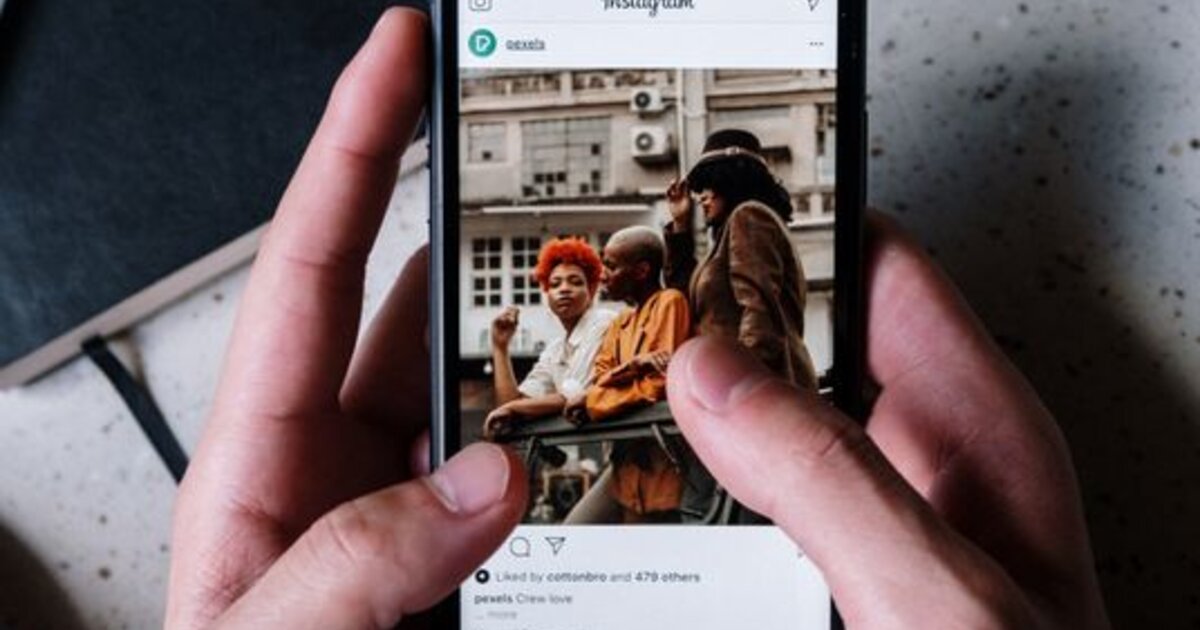
Instagram broadcast channels are a one-to-many way to talk to your audience, like a Telegram channel right inside Instagram. Subscribers read the creator's messages and react, but don't chat with each other. Let's break down how a channel differs from the feed and stories, how to create one and how to use it to retain your audience.
What Instagram channels are
A channel is a separate message feed from the creator that people subscribe to through the profile. The creator posts text, photos, videos, voice notes and polls there, and subscribers see it all in the messages section (Direct) and can react with emoji or vote. The format is built for direct communication with the most loyal part of the audience — without fighting the feed algorithm.
How a channel differs from posts and stories
- Delivery. A feed post is shown by the algorithm to some followers, while a channel message arrives as a notification to everyone subscribed to the channel.
- Format. Stories last 24 hours, while channel messages stay and scroll like a conversation.
- Communication. In a channel the creator speaks and subscribers only react and vote — it's broadcasting, not a chat.
- Closeness. A channel feels more personal than the feed: it's a direct line to the audience, not a public showcase.
How to create a channel on Instagram
- 1. Open the messages section (Direct) in your account.
- 2. Create a new channel via the compose menu and choose the "channel" format.
- 3. Name the channel so it's clear what it's about and why to subscribe.
- 4. Invite your audience — announce the channel in your feed and stories so followers learn about it.
The ability to create channels is available to creator accounts and is gradually rolling out to everyone — if you don't have it yet, update the app and check later.
What to write in a channel
A channel doesn't duplicate the feed — it's for what doesn't fit the post format:
- Behind the scenes — your work process, drafts, personal notes.
- Announcements and reminders — about new content, streams, promotions.
- Polls and votes — to engage the audience and gather feedback.
- Exclusives — content available only to channel subscribers.
How to use a channel for promotion
A channel amplifies all your other activity. Through it you can bring subscribers to new posts and Reels while the algorithm is just starting to roll them out — early reactions from a loyal audience help a clip pick up speed. A channel boosts engagement and retention: people who get personal messages from you unsubscribe less and react more. And the higher an account's engagement, the more willingly the Instagram algorithm promotes your content in the feed and recommendations.
Mistakes and whether to start a channel
The main mistake is going silent or, conversely, spamming: a channel needs consistency but without overloading people with notifications, otherwise subscribers mute it. The second is duplicating the feed word for word — then the channel has no point. It's worth starting a channel if you already have a loyal core audience interested in personal communication. If you have few followers yet, it makes sense to grow the base first — with content, engagement and account promotion — and add the channel when there's someone to broadcast to.
So a new channel does not look empty at launch, give it a base for free: try free Instagram followers from the daily giveaway.