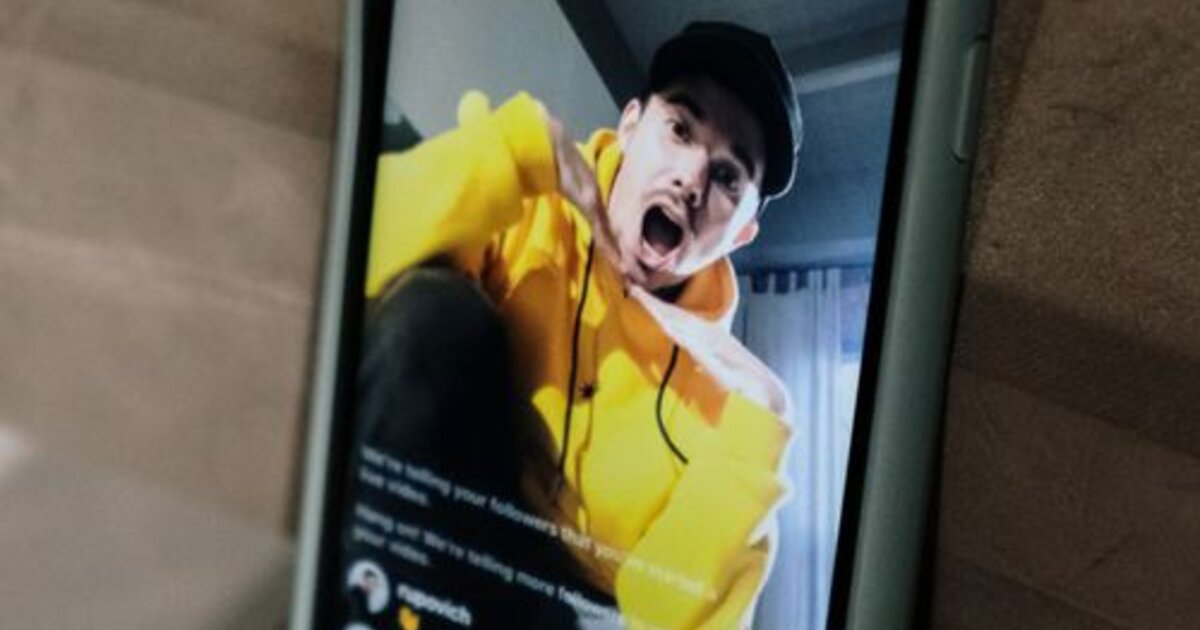
Live streams are the fastest way to grow on Likee: while you broadcast, your account gets priority in the "Live" tab, viewers join on purpose, and the algorithm registers high engagement. Here's how to start a stream, reach the recommendations and keep viewers to the end.
Why run live streams on Likee
A regular video competes for reach with millions of clips. A live stream plays by different rules: while you're on air, the app highlights you in a separate tab and your followers get a push notification. That gives you three things at once:
- Live contact — viewers chat, ask questions and feel the creator's personality;
- Gifts and beans — a stream is the easiest place to receive virtual gifts that convert into income;
- Reach growth — the algorithm reads live activity as a quality signal and shows your next videos more willingly.
For a beginner a stream is an accelerator: one hour of live communication can bring more loyal followers than a week of posting clips.
How to start a stream on Likee: step by step
Technically it's simple, but the details matter:
- Tap "+" in the center of the bottom menu and choose LIVE mode;
- Set a catchy title — it shows in the stream list and decides whether a viewer joins;
- Check light and sound: front camera with daylight or a ring light, a quiet room;
- Choose vertical orientation — Likee is built for vertical video;
- Start the broadcast and spend the first minutes greeting people and explaining the topic.
The title and preview are your "cover." A bland "Hi everyone" loses to something specific like "Teaching smooth transitions in 15 minutes."
How the Likee algorithm promotes streams
Likee ranks broadcasts by real-time activity. The more viewers join and stay, the more they chat and send gifts — the higher the stream climbs in the "Live" list. Key signals:
- Speed of gaining viewers in the first minutes;
- Average watch time — do people leave instantly or stay;
- Reactions and comments in the chat;
- Gifts — a strong signal of content value.
That's why a cold start with zero viewers is the main problem: the algorithm has nothing to amplify and the stream stays at the bottom.
How to attract and keep viewers
Retention matters more than a one-time visit. Proven tactics work:
- Announce the stream in advance — in stories, in your bio, in chats;
- Stream at the same time so the audience gets used to it;
- Address newcomers by name — it sharply boosts engagement;
- Keep the pace: activity, contests, answering questions instead of silence;
- Promise a "treat" at the end (a giveaway, a life hack) so viewers watch through.
The starting boost: the first viewers decide
The algorithm needs an initial signal, and psychologically a viewer feels more comfortable joining where someone already is — a stream with "0 viewers" scares people off. That's why a starting boost is so important: a small number of viewers and reactions at the start creates the critical mass the stream needs to grow organically.
A boost of Likee viewers and views through an SMM panel helps you get that first base fast: a live start makes the stream visible in the list, and then a real audience follows. It's not a replacement for content but a starting push that pulls the broadcast out of the dead zone.
Common mistakes on Likee streams
- No announcement — the stream starts into silence and viewer growth fails;
- Weak title — it's unclear why anyone should join;
- Poor light and sound — the viewer leaves in the first seconds;
- Passivity — the creator stays silent waiting for activity instead of creating it;
- Too short a stream — the algorithm can't ramp up reach, aim for 20–30 minutes or more;
- Ignoring the chat — unnoticed viewers leave quickly.
Fix these six points, add a starting boost — and Likee streams will become your main growth channel in 2026.
Live streams are easier to push as a team rather than solo — see our guide on how to create a group in Likee.
Collaborative content isn't limited to streams — a duet on Likee, where you film a video in response to another creator, is just as popular.