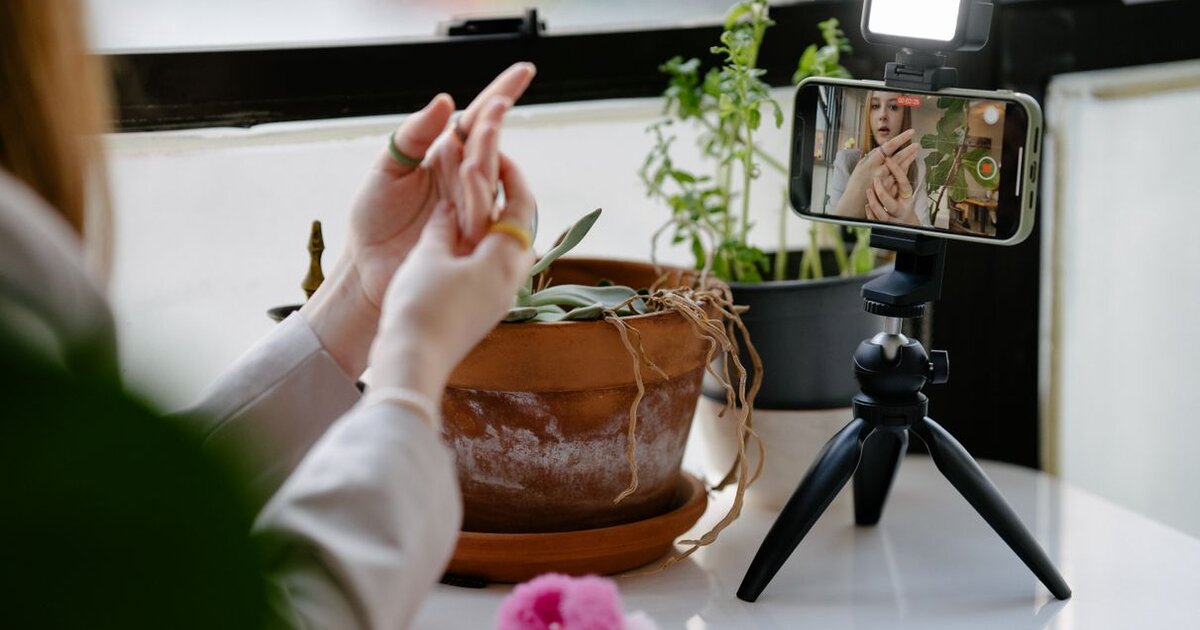
Why TikTok Live matters
Live on TikTok isn't just chatting with followers in real time. A broadcast gives what a regular video can't: long viewer retention, real trust and direct income through virtual gifts. The algorithm loves streams too — an active broadcast can land in the Live recommendations section and bring new viewers who don't follow you yet.
Requirements to start a broadcast
TikTok doesn't open the Live button just like that. Usually to start a broadcast you need to:
- be over 18 (for streams and receiving gifts);
- have, as a rule, 1000+ followers — the most common access threshold for Live;
- have an account with no active community-guideline violations.
TikTok periodically changes the thresholds and they can differ by region, so go by whether the Live tab has appeared in your creation menu.
How to start a broadcast step by step
If you have access, launching takes a minute:
- Tap "+" at the bottom of the screen, as for filming a regular video.
- In the bottom row of modes swipe to LIVE.
- Set a cover and a catchy broadcast title.
- Tap "Go LIVE" and wait for your first viewers.
During the stream answer comments by name, announce what's coming next and don't go silent in pauses — activity keeps viewers around.
Is TikTok Live available in Russia
An important point: since 2022 TikTok has limited features for Russian accounts — uploading new videos and going live. So for most accounts from Russia the Live tab won't open, even with 1000+ followers. Workarounds (a foreign account, a VPN) exist but come with risks of blocking and unstable operation. If your audience is mostly Russian-speaking, for streams it's worth looking at platforms that work fully in Russia.
How to get viewers to a broadcast
Even with Live access an empty broadcast quickly slides down the ranking. For a stream to gain momentum a fast start matters: the more viewers in the first minutes, the higher the chance of landing in Live recommendations. Announce the stream in advance in regular clips and stories, and at the start boost the reach — TikTok promotion helps gather the first viewers, from whom the algorithm starts spinning the broadcast further.
Common broadcast mistakes
Beginners often go live with no plan or topic — viewers get bored and leave in the first seconds. Another mistake is streaming at a bad time when the audience is offline. Schedule streams for evenings and weekends, prepare a topic and a script, and make the first 30 seconds as lively as possible — they decide whether a viewer stays or scrolls on.